Audio Style Workbench
An online mixing practice tool: apply a style's effects chain and learn how to recreate it step by step in your own DAW. It also balances two-person interviews to -18 LUFS automatically.
Features
FEATURESSix styles and DAW guidance
Apply concert, live house, studio, broadcast, lo-fi, or cathedral effects in one tap. Get instructions for your own DAW, down to frequencies, dB, Q, and compressor parameters, with settings available to download.
Full-spectrum comparison
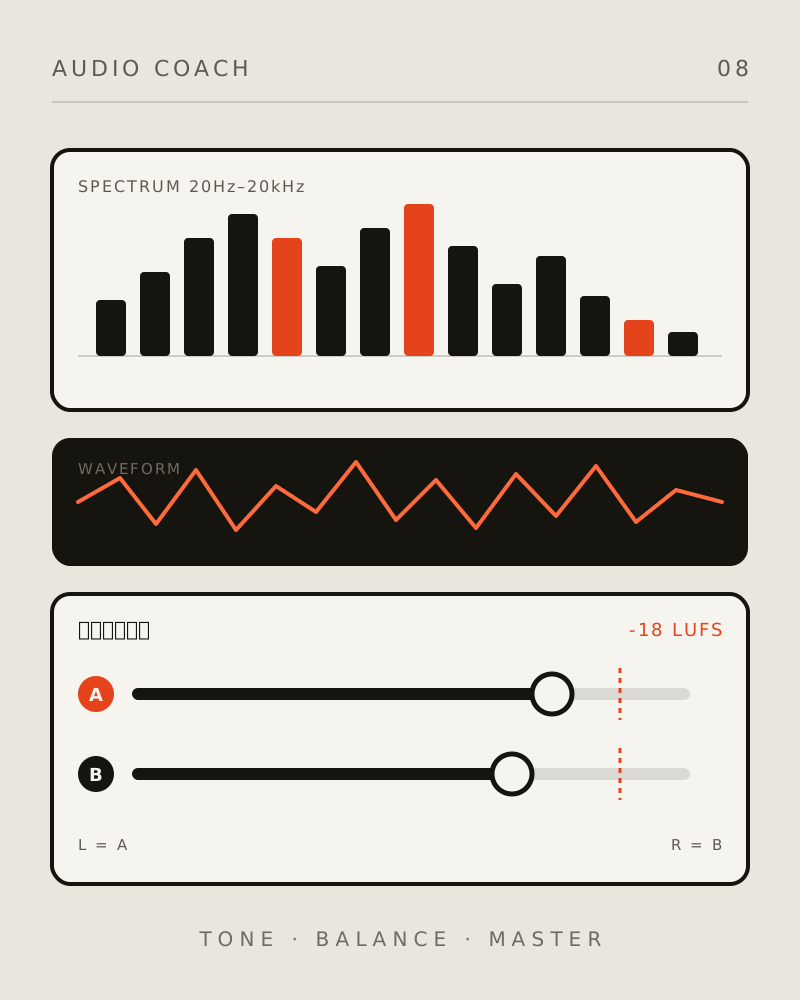
Overlay original and processed curves on a logarithmic 20Hz–20kHz axis to see which frequencies were boosted or reduced. Switch A/B playback in one tap, with loudness matching to compare tone instead of volume.
Automatic two-person balancing
For interviews with A on the left and B on the right, normalize each speaker to -18 LUFS (ITU-R BS.1770), with automatic pitch-range and voiced-ratio analysis. Export centered audio or separate A-left/B-right stereo.
Interview cleanup toolkit
Frequency-domain noise-floor reduction, de-essing, de-reverberation, and a high-pass filter for low-frequency rumble. Phase and duration are preserved, without affecting the -18 LUFS target.
Lossless pipeline
Uses 32-bit float throughout, preserves the original sample rate, and exports WAV in float32 or 24-bit PCM. Peak protection uses linear gain reduction, without clipping or overload distortion.
How it works
Upload audio and choose a style
Upload a vocal or instrumental clip (WAV/FLAC/MP3), choose a style, and process it for a result in seconds.
Compare, listen, and learn
See which frequencies changed in the spectrum, hear the difference with one-tap A/B playback, and follow the mixing guidance in your own DAW.
Download the audio or DAW settings
Download the processed lossless WAV or a DAW recipe (txt/json) to use in your own project.