IdolFeed Artist News
Follow your favorite artists with YouTube videos and Google News on one page. Browse a familiar news feed, with highlights that surface the most important updates.
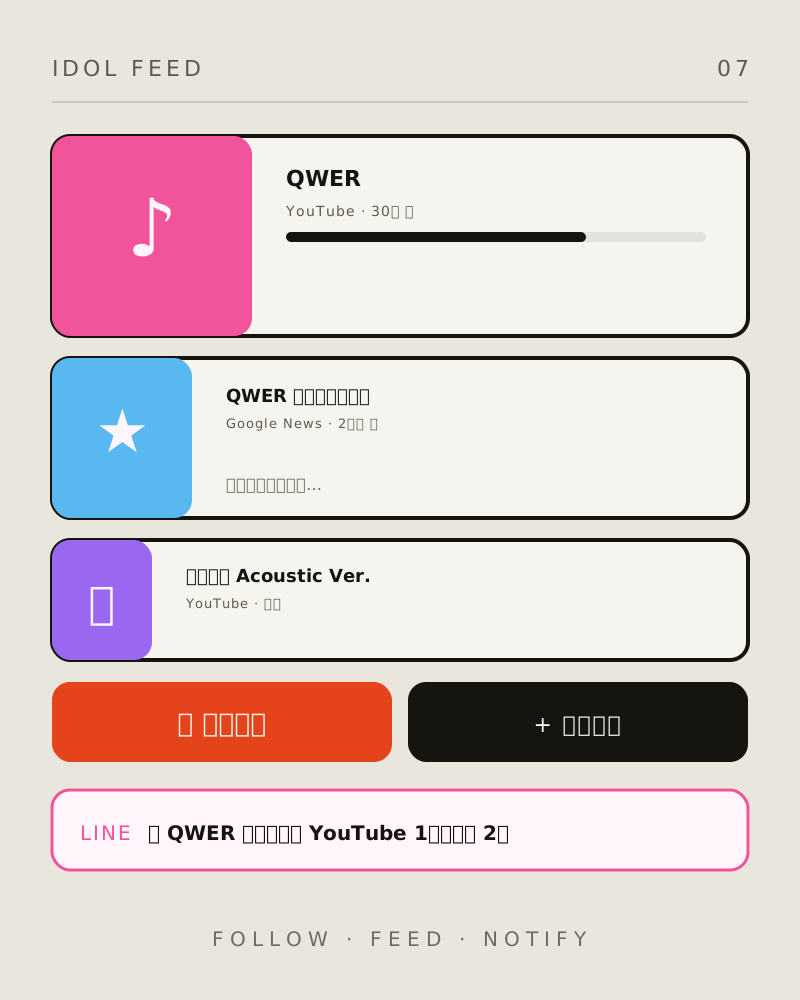
Features
FEATURESMultiple sources, one feed
Official YouTube channels, keyword searches, and Google News in all languages bring the latest updates together on one page, without hopping between platforms.
Ranked highlights
Automatically selects the top three items from the past 72 hours, prioritizing official sources, thumbnails, and audiovisual content. See the key updates at a glance.
Artist-themed pages
Each artist gets a color theme that matches their style. QWER defaults to bright pastels; choose from four colors when adding an artist, covering cards, backgrounds, and accents.
LINE notifications
New videos and articles are sent directly to your LINE, grouped separately for YouTube and news, with up to 3 items and an “N more” notice for the rest.
Add artists to follow
Enter a YouTube channel ID or search term and Google News keywords. The first results arrive within 30 minutes, so you can follow the artists you choose.
How it works
Choose an artist page
The homepage lists all followed artists. A red dot means new content; open an artist to view their dedicated news page.
Browse highlights and the timeline
Three selected highlights appear at the top, followed by updates grouped into today, yesterday, and this week. Use source filters to show only YouTube or only news.
Receive LINE updates
After setting up the LINE Bot, each cron run automatically sends newly found content published within the past 2 hours, so you do not need to keep the page open.