Policy
Isles
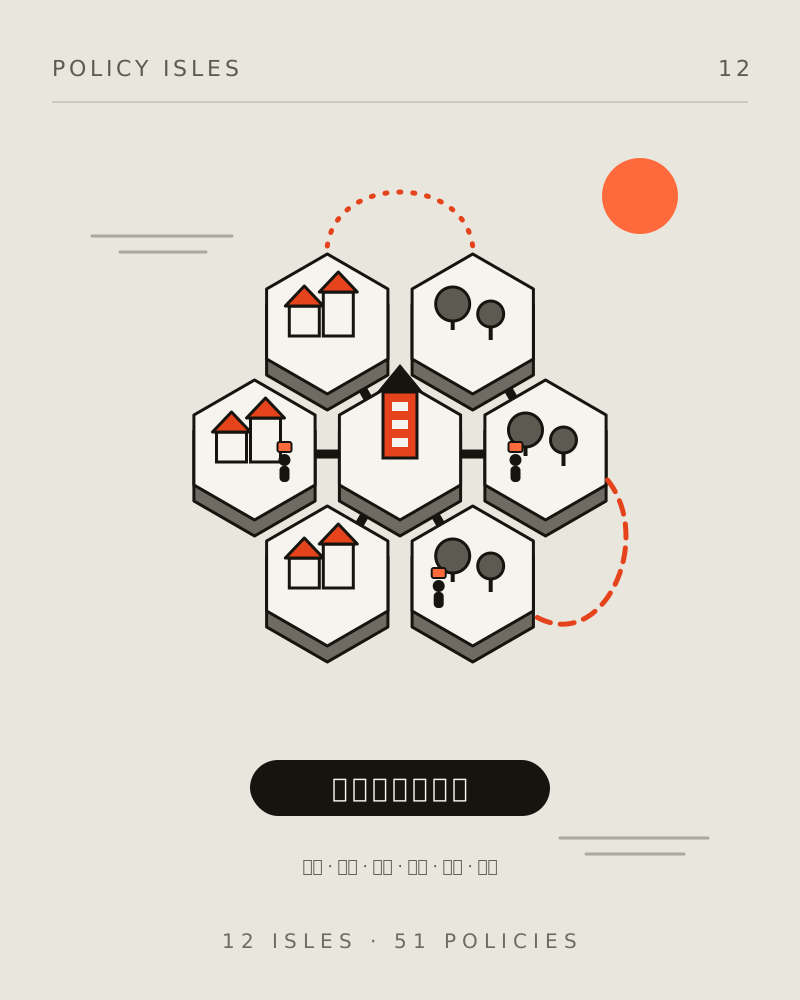
A city's 12 policy themes become 12 clay-style islands. Tap an island or a building, and watch tiny residents carry things between islands to see how policies connect.
Features
FEATURES12 themed islands
Transport, childcare, education, elder care, tourism and more each get a hexagonal island, and all 51 programs have their own miniature model with a detail card.
Residents at work
Tiny residents walk between islands carrying what they deliver above their heads. Tap one to see which cross-department collaboration it belongs to.
Collaboration lines
Turn on collaboration lines to see 9 partnerships drawn as flowing lines, with solid, dashed, and dotted styles showing the strength of evidence.
Day and night
Switch between dawn, noon, dusk, and night, and the sky, lights, and shadows change with it, and street lamps and windows light up at night.
City log
Open the log to see who carried what from which island to where as it happens, or filter it to a single collaboration.
Smooth on phones
On phones, detail cards become drawers you can drag up and down, and the system reduced-motion setting is respected.
How it works
Start from the overview
The whole city opens in an overview. Drag to rotate and scroll or pinch to zoom, and a short guide appears on your first visit.
Tap an island or a building
Tap an island name for the theme overview or a building for program details, and the camera flies there for you.
Turn on lines and residents
Use the toolbar to show collaboration lines, name tags, and the log to see how departments support each other.